Zapier, Make, n8n vs. Custom AI Automation: Which Would You Trust to Run Your Business?
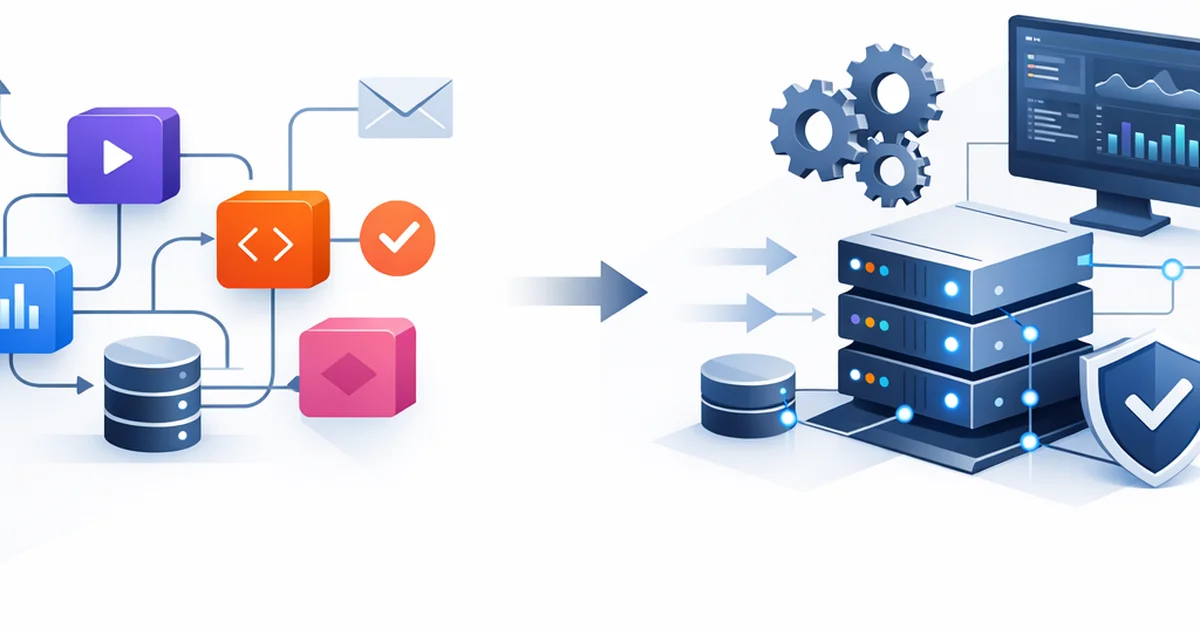
Imagine it’s Monday morning at 9:12. A new lead comes in from your website, and in theory it should automatically go into your CRM, get a confirmation email, notify sales in Slack, and kick off an RFQ workflow.
Then at 11:40 someone says: “We didn’t get the lead.”
Sound familiar? This is usually where you realize that automation isn’t just about “connecting apps”—it’s also about how reliable, auditable, scalable, and secure the whole thing is.
In this article, we’ll walk through the off-the-shelf platforms (Zapier, Make, n8n) and custom-built automation + AI solutions, and I’ll also say the part that’s sometimes uncomfortable: at a certain company stage, the boxed solution isn’t actually “cheaper”—it just looks cheaper.
Along the way you’ll get concrete examples, decision criteria, and why at SEOxAI we often prefer building custom (AI-ready, integration-friendly) systems.
Off-the-shelf automation: Zapier, Make, n8n — what can they really do?
The core idea behind boxed automation platforms is simple: you click things together to connect services (Gmail → Sheets → Slack → HubSpot, etc.).
Zapier: the champion of “make it work fast”
- Strength: you can put together a basic workflow incredibly quickly.
- When it’s good: if you need a 1–2 step automation and error handling isn’t critical.
- Typical twist: it gets expensive as task volume grows (task-based pricing), and with complex logic you’ll quickly feel how “tight” it is.
Analogy: Zapier is like a pre-made gas station sandwich. Hungry? Perfect. But if you build your entire diet on it, the limitations show up fast.
Make (Integromat): “LEGO logic” in a visual builder
- Strength: easy to manage visually; you can build more complex logic.
- When it’s good: if you need more steps, branching, and data transformation—still in a no-code way.
- Typical twist: in complex systems it quickly turns into a spaghetti flow that only the person who built it truly understands.
n8n: the “self-host” option in the boxed world
- Strength: can run on your own server, more control, developer-friendly.
- When it’s good: if data control matters and you have a technical team.
- Typical twist: even though it’s “boxed,” with self-hosting you’re responsible for updates, monitoring, and scaling.
Now the key point: all three tools are useful, but they’re playing in a different league than custom automation.
Quick summary: Zapier/Make/n8n are great when you need a fast prototype or you’re automating a non-business-critical process. But if your revenue depends on it, it’s worth moving up a level.
Custom automation + AI: what does it mean, and why is it a different category?
“Custom” here doesn’t mean we code everything from scratch. It means we build a system for your processes, your data, and your risk tolerance.
And when we add AI (for example, lead qualification, email reply suggestions, document processing), the limitations of boxed tools become even more obvious.
Not just connecting things—system design
A custom automation typically includes:
- robust integrations (APIs, webhooks, queues)
- error handling and retries (retry, fallback)
- logging and audit trails (who did what, when)
- access control (who can access what)
- data quality checks (so garbage doesn’t end up in the CRM)
Mini story: recently a company came to us because RFQs were “randomly” disappearing. It wasn’t random: in a boxed flow, after a field was renamed, the mapping shifted. The system didn’t warn anyone—it just silently dropped the data. In a custom solution, there would have been validation and alerting.
With AI, the “boxed” risk multiplies
With AI automation, it’s not enough that the flow runs. You also need it to:
- not hallucinate (not invent data)
- verify (check against sources)
- be traceable (know what it used and why)
If you’re interested in why AI “guessing” is dangerous in business workflows, this is worth reading: The Dark Side of AI SEO: Hallucinations, Penalties, and Ethical Questions.
Quick summary: custom automation isn’t “a flow”—it’s a business system with control, alerting, and accountability.
Reliability: which one holds up better under real business load?
Here’s the core question: which is more reliable for your business?
Honestly: it depends on how critical the process is. But if your answer is “if this stops, sales / support / billing stops,” then boxed platforms run into the classic problems quickly.
Typical reliability issues with boxed platforms
- Rate limits / quotas: APIs throttle you, and the flow stalls.
- Hidden failures: sometimes it looks “successful,” but data is lost.
- Version and field changes: an external app updates and your mapping breaks.
- Lack of visibility: after 30–60–90 steps nobody knows where the leak is.
What makes custom solutions more stable?
- Queue-based processing: under load, it doesn’t crash—it just queues.
- Retry + dead-letter queue: what fails doesn’t disappear; it becomes manageable.
- Monitoring and alerting: when something breaks, you find out first, not your customer.
- Testability: staging environment, automated tests (yes, it’s work—but it pays off).
Analogy: boxed automation is like a friend “throwing together” your electrical wiring. It works… until it doesn’t. A custom solution is built with a blueprint, a breaker panel, and to code.
And with AI + visibility: stable automation matters because if you’re automating content production, product data updates, or customer communication, it directly impacts how you show up in search and in generative models too. (Yes, “bad data” is deadly here as well.)
Related and useful: How to Get Mentioned in ChatGPT Answers and What Is Generative Engine Optimization (GEO)?.
Quick summary: custom wins big on reliability when the process is business-critical, moves lots of data, or involves AI-driven decisions.
“Okay, but why is custom better?” — the 6 most practical arguments
I’m not trying to start a holy war. Zapier/Make/n8n are great tools. But when you think at a company level, custom automation + AI is typically better for these reasons.
Real fit to your processes (not the other way around)
With boxed tools, you often adapt to the platform. With custom, the system adapts to you.
- Example: custom approval loops, SLAs, multi-location / multi-brand operations.
Data security and compliance (GDPR, access control)
Especially for EU companies, this isn’t a “nice to have.”
- Who can access customer data?
- Where is it stored?
- Is there a log of what happened?
Scalability and cost control
With boxed platforms, growth often = higher costs. With custom, cost is more about infrastructure + development, but in return it’s more predictable.
Error handling, recoverability, auditability
Sooner or later, any business will have:
- bad data
- duplication
- API downtime
- human error
The question isn’t whether it will happen, but whether you catch it in time—and whether you can roll back.
Proper AI integration (not just a prompt)
Common needs in AI automation:
- data extraction from documents (invoices, proposals)
- customer support reply suggestions
- lead scoring
- knowledge-base-driven answering
In many cases, a RAG approach is better (where the model answers from company knowledge, not from thin air). Related: Real (RAG)-Based Chatbot Development: What You Get with a “Plugin Chatbot,” and Why It’s Worth Building on Company Knowledge.
Competitive advantage: faster operations, less chaos
The goal of automation isn’t to “look modern.” It’s to:
- reduce admin work
- reduce errors
- close deals faster
- improve customer experience
Quick summary: custom is better when the stakes are high: data, revenue, customer experience, security, AI.
Conclusion
Zapier, Make, and n8n are excellent entry points into no-code automation—especially for prototypes or non-critical processes. But if you want to build your company’s operations (and especially your AI-supported workflows) in a stable, long-term way, custom automation + AI is typically more reliable, more controllable, and more scalable.
As a next step, list your 3 most important processes (for example, lead → proposal → invoicing) and let’s see where time/money/errors are leaking. If you want, at SEOxAI we can do a quick assessment: what can stay boxed, and what’s worth making custom.
FAQ
What’s the difference between no-code automation and custom automation?
No-code (Zapier/Make) is built from pre-made blocks—fast and convenient, but it gives you limited control. Custom automation is designed around your processes: it includes error handling, logging, permissions, scaling—making it more stable at a business level.
Which is better: Zapier, Make, or n8n?
If you need a fast, simple connection: Zapier. If you need more complex visual logic: Make. If you want to run it on your own infrastructure and have a technical team: n8n. For business-critical, AI-heavy workflows, though, none of them are often the ideal final destination.
When is it worth developing custom AI automation?
When the process impacts revenue (leads, proposals), moves a lot of data, integrates multiple systems, or when GDPR/data security and auditability matter. Also when AI can’t “guess”—it needs to work in a verifiable way.
Isn’t custom automation too expensive?
In the short term, it’s usually more expensive than a boxed flow. In the long term, though, it’s often cheaper because there’s less downtime, less manual firefighting, fewer hidden error costs, and operations become more predictable.
How does this relate to SEO and generative AI visibility?
Automation often moves content, product data, customer communication, and knowledge base content. If these are incorrect or inconsistent, it hurts Google performance and also affects how generative models (e.g., ChatGPT) reference you. Stable data flows = higher-quality, more “quotable” presence.
Enjoyed this article?
Don't miss the latest AI SEO strategies. Check out our services!